Samsung appliance repair, for refrigerators, washers, dryers and dishwashers.
 A brand we repair
Beaver Appliance is an independent repair company, not affiliated with Samsung. We repair Samsung refrigerators and ice makers, washers, dryers, dishwashers and electric ranges across South Florida and Tampa Bay. Call or text (754) 285-8880 (South Florida) or (813) 513-1699 (Tampa Bay).
Call or text and we’ll give you the earliest time we have.
Still under Samsung’s warranty? Start with Samsung: 1-800-SAMSUNG (726-7864), or Samsung’s repair request page.
- Diagnostic visit
- $69, credited to the repair
- Price
- In writing, before any work
- Our warranty
- 90 days, parts and labor
- Google rating, South Florida
- 5.0 from 14 reviews
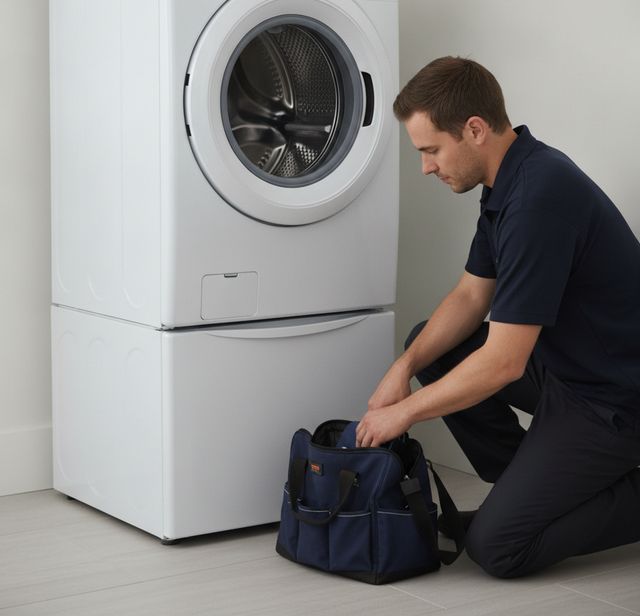
Samsung and other repairs, in customers’ words
Samsung ice maker
“Brandon was relentless until he resolved the issue with my ice maker on my Samsung Refridge/Freezer. …”
★★★★★ Jane G. Aug 2026, Google review Washing machine
“Aizat was very prompt and did a wonderful job fixing my washing machine. He's very polite and personable. …”
★★★★★ Debbie B. Jul 2026, Google review Price and service
“Great price and service! I would definitely work with this company again.”
★★★★★ Topher R. Aug 2026, Google review
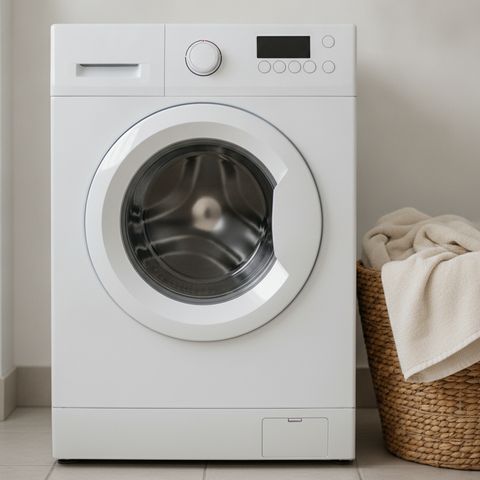
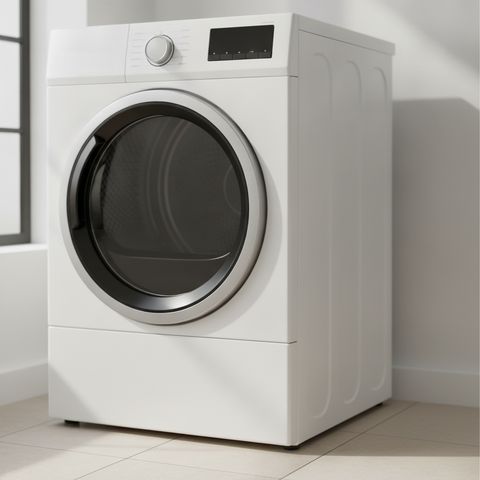
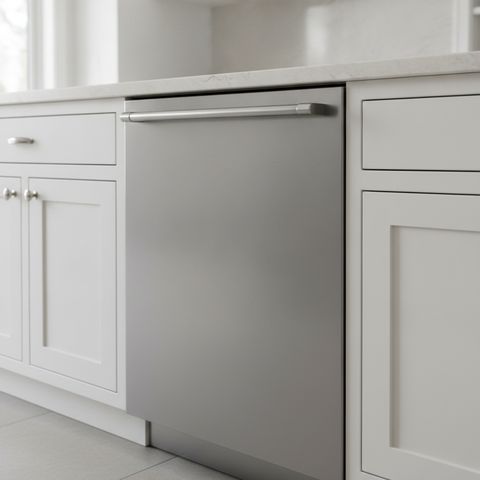
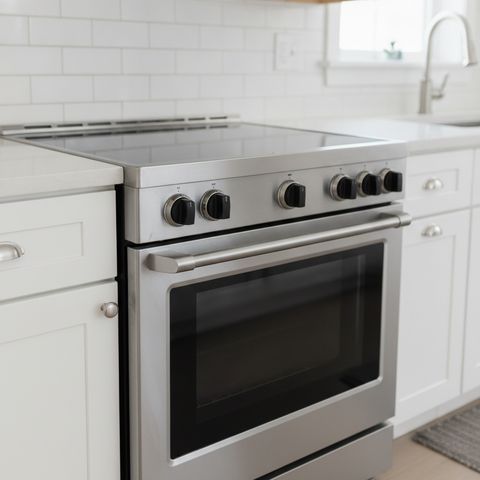
The Samsung appliances we repair
In South Florida and Tampa Bay. Anything that runs on gas: call or text us before you book.
Samsung’s warranty, in plain words
Samsung says most of its appliances come with one year of parts and labor from the purchase date. A refrigerator gets longer on its cooling parts:
Washers: Samsung covers the digital inverter motor of some washers for longer, the part only, and how long depends on when the washer was bought. Keep the receipt; Samsung asks for proof of purchase.
Still covered? Samsung’s warranty sends covered service to Samsung’s own network: call 1-800-SAMSUNG or use its repair request page. Coverage from a store’s protection plan goes through the store.
Out of warranty, the choice of repairer is yours. Call or text us: the $69 visit finds the fault and comes off the repair.
The sealed system is the compressor, evaporator, condenser, drier and connecting tubing, as Samsung’s written refrigerator warranty lists them. Terms change with the model and the purchase date: check yours on Samsung’s warranty page.
What is your Samsung doing?
Tap one for what Samsung’s own help pages say and the checks an owner can make first. A code points to a system; it isn’t the diagnosis.
- The display. OF in both readouts, or scrolling bars, is Cooling Off, a display mode; photograph any other code before you touch anything.
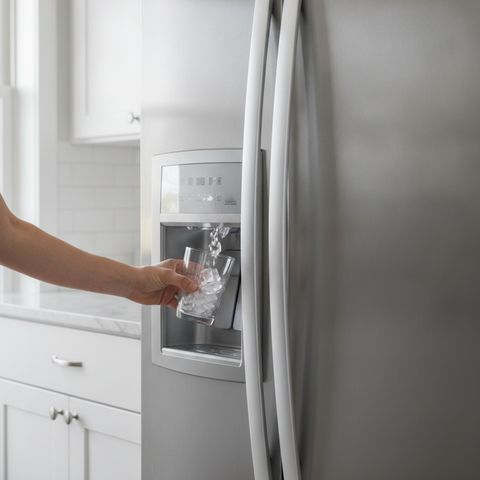
- The ice maker, up in the left door. It still needs the freezer at 0°F to make ice.
- The freezer drawer: 0°F or colder.
- The door seals. Samsung says a 21E freezer fan code usually comes from a door left open or a gap in a gasket.
- The water valves: both fully open for a 4C code.
- The drain hose: 6 to 8 inches into the standpipe. Samsung calls a badly placed hose the most common cause of a drain code.
- The pump filter, behind a panel near the bottom of a front-loader. Samsung says to clean it at least monthly, or about every 40 washes.
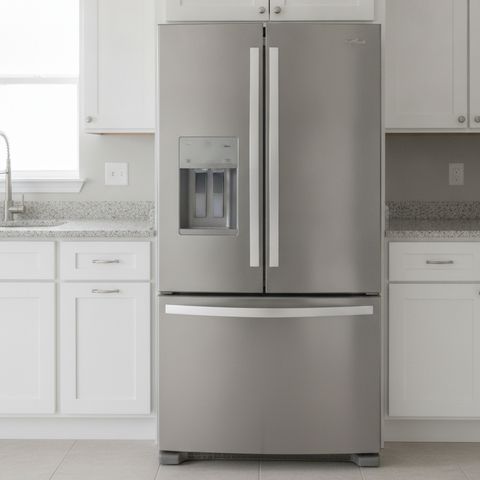
A Samsung French door refrigerator and a front-load washer: drawn by us and simplified. The checks come from Samsung’s own help pages.
Ice maker making no ice

Possible causes: Samsung starts with the freezer: it has to be at 0°F or colder to make ice, even when the ice maker sits up in the fridge door. Then the Ice Off setting, the water supply and an old filter.
Check first: Ice Off not lit, nothing but ice in the bucket, and the water: Samsung expects about 3/4 cup from the dispenser in under 10 seconds, and rates its filters at about six months. More on ice maker repair.
Ice maker frozen over

Possible causes: the ice maker defrosts itself; when it ices up, Samsung says that defrost isn’t working and the ice maker needs service. Frost on the bucket itself can come from a gap at the chute, the bucket’s seal or the dispenser flap.
Check first: don’t try to defrost it yourself, and no hair dryer or other heat: Samsung warns that heat will damage the refrigerator. On Family Hub and other SmartThings models, Samsung has a firmware update for this; connect the fridge to SmartThings and it installs itself.
Refrigerator warm, or the display shows OF

Possible causes: OF in both temperature readouts, O FF or scrolling bars is Cooling Off, a display mode, and Samsung says service is not required. Otherwise a door that isn’t sealing or blocked vents, or a fan code: 21E is the freezer fan, which Samsung says has usually frozen up from a door left open or a gap in the gasket; 22E is the fridge fan.
Check first: the doors close and the gaskets touch all the way round. For anything else on the display, see photograph the code before you do anything to it.
Washer won’t fill or drain: 4C, nd or 5C

Possible causes: 4C (or 4E, nF) means water isn’t getting in the way it should; nd, 5C or 5E means it isn’t draining fast enough, or at all.
Check first: for 4C, each hose on the right inlet, nothing kinked, both valves fully open. For a drain code, Samsung says a badly placed drain hose is the most common cause and service is rarely needed: the hose end goes 6 to 8 inches into the standpipe. If the water inside is hot, Samsung says to give it about an hour to cool first.
Washer shows dC, UE or Ub

Possible causes: UE and Ub are Samsung’s unbalanced load codes. dC is the tricky one: on some Samsung washers it means the door, on others an unbalanced load, and Samsung points owners to the manual for their model.
Check first: untangle the load and spread it round the drum, and check nothing is caught in the door. If dC keeps coming back, text us the code and the model label in one message.
Dryer runs but doesn’t heat, or shows HE

Possible causes: an electric dryer runs on two circuits; if only one trips, Samsung says, the drum turns but there’s no heat. HE means it’s getting too hot, most often from a clogged lint screen or vent, and C80 or C90 is the vent test reporting it 80 or 90 percent blocked.
Check first: the dryer’s breaker off for 30 seconds and back on, then the lint screen and the vent. Our dryer vent cleaning covers the duct. Low voltage at the outlet is a job for an electrician.
Dishwasher won’t drain, or shows LC

Possible causes: 5C, 5E, SC or SE is Samsung’s drain error. LC or LE means the leak sensor has found moisture; the dishwasher then keeps trying to drain and won’t switch off.
Check first: Samsung asks owners to troubleshoot before resetting a code, or the cause stays. For a drain code, the filter, a pinched drain hose and, on a newly fitted disposal, its knockout plug. For LC, look for water under the machine and call or text us.
Electric range showing a code

Possible causes: Samsung’s list runs long and depends on the model. -dE- or -dC- means the oven’s partition isn’t seated; C-24 means the oven is heating faster than normal, generally because the vent on the back of the cooktop is blocked; tESt is demo mode, and nothing heats.
Check first: Samsung’s reset is off and on with the Power button; if the code returns, the breaker off for 30 seconds. A gas range? Call or text us before you book.
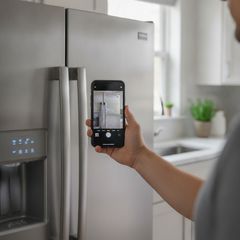
Photograph the code before you clear it
Samsung asks refrigerator owners not to unplug or press buttons to make a code go away, because it makes the fault harder to diagnose. And the same code can mean different things on different Samsung models. A photo of the display and the model label tells us what we’re dealing with before the visit.
Two Samsung recalls worth checking
Slide-in electric ranges, August 2024, about 1.1 million: the front knobs can be turned on by an accidental bump. Samsung’s remedy is knob locks or covers. CPSC’s notice
Top-load washers, December 2022, about 663,500: a software update fixes a fire risk, and until it’s done CPSC says to stop using the washer. CPSC’s notice
A recall remedy comes from Samsung: the notices list the model and serial ranges and how to request it. For anything else wrong with your range or washer, call or text us.
Where Samsung puts the model and serial number
Every Samsung appliance has a label with both numbers on it. Samsung’s own tip: if it’s hard to reach, take a photo and read it from your phone.
Kitchen
A Samsung refrigerator carries two labels, one outside and one inside; a dishwasher or range shows its label once the door is open.
Every kitchen appliance
- Refrigerator
- On the lower left side of the outside, near the front, and again inside the fridge on a side wall, above the top shelf.
- Dishwasher
- Open the door: along the top of its inner rim, left or right, or on the inside edge of the tub.
- Electric range
- Inside the oven door at the upper left, or inside the storage drawer at the bottom.
Laundry
On a front-loader, open the door and look at the frame around it or near the seal; a top-loader has its label inside the lid.
Every laundry appliance
- Front-load washer
- Open the door: on the frame around it, or near the door seal.
- Dryer
- In the same places as the matching washer.
- Top-load washer
- Inside the lid, with a second label on the back.
Text us a photo of the code and the label
Send both in one text with a line about what your Samsung is doing. With the model and serial number, we know which appliance we’re working on before the visit.
Text a photo to (754) 285-8880What a Samsung visit involves
Tell us what it’s doing
Call or text us. The appliance, the symptom and any code are enough to start.
We find the fault
For the $69 diagnostic visit, credited to the repair if you go ahead.
Get the price in writing
Before any work starts. No repair until you say yes.
We fix it
Only the work you approved, at the price you approved.
Get a written warranty
90 days on parts and labor, with the terms spelled out.
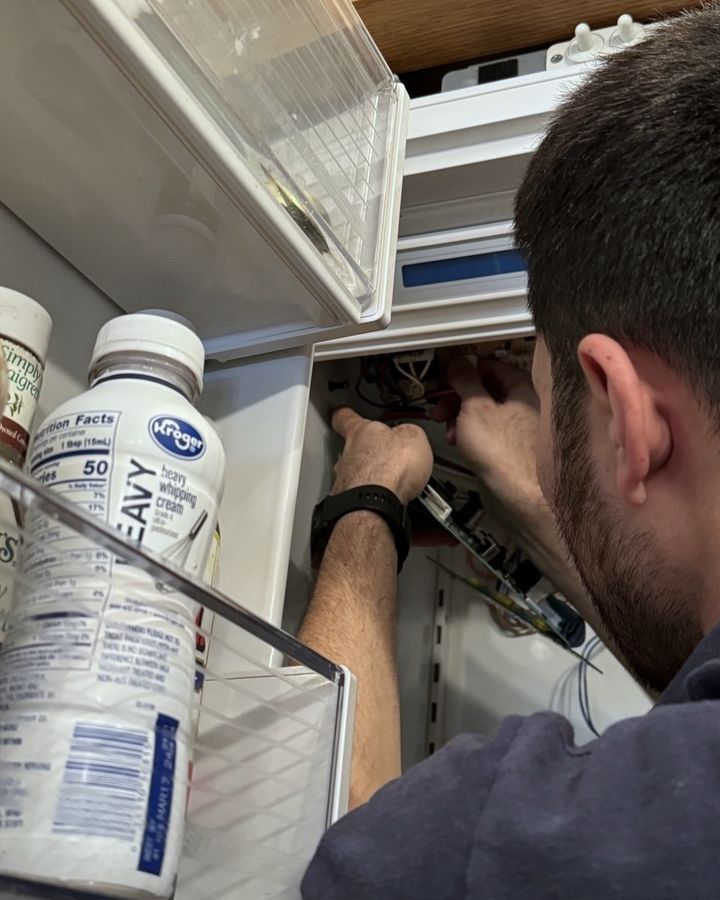
Have ready: the model and serial number, the code on the display if there is one, and the purchase date if it may still be under Samsung’s warranty.
Samsung repair questions
Anything else? Call (754) 285-8880 Text the label
Is Beaver Appliance part of Samsung’s service network?
No. Beaver Appliance is an independent repair company: not affiliated with Samsung and not sponsored by it. While your appliance is under Samsung’s warranty, Samsung’s own network does the covered repairs, so start there. Once it’s out of warranty, we can take it on.
My Samsung is still under warranty. Who should I call?
Samsung, on 1-800-SAMSUNG (726-7864) or through its online repair request, with your proof of purchase. If the coverage is a protection plan you bought from the store, call the store. Consumer Reports gives the same rule: contact whoever issued the warranty.
Does an independent repair affect what Samsung will cover?
Samsung’s warranty sends covered repairs to Samsung’s own service network and excludes damage caused by repairs Samsung didn’t supply. So while any Samsung term still runs, including a refrigerator’s five-year sealed-system term and its ten-year compressor term, take the claim to Samsung first. Once the appliance is past its terms, the choice of repairer is yours.
What does a Samsung repair cost with Beaver Appliance?
The diagnostic visit is $69, and it comes off the repair if you go ahead. The technician finds the fault and writes the repair price before touching anything; say no and you pay only the visit. See pricing for what most repairs come to.
Do you repair Samsung appliances in Tampa Bay as well as South Florida?
Yes, in both regions. Call or text (754) 285-8880 (South Florida) or (813) 513-1699 (Tampa Bay). The towns are listed on the South Florida and Tampa Bay pages.
Is a Samsung worth repairing?
It depends on the fault and the price. Consumer Reports’ 2014 rule of thumb is to stop when a repair would cost more than half the price of a new product. Check Samsung’s longer terms before deciding, since a compressor or a washer motor may still be covered for the part. Our diagnosis ends in a written price, so you can compare.
Other brands and repairs
Where we work
Beaver Appliance repairs Samsung appliances across South Florida: Broward County and nearby parts of Miami-Dade and Palm Beach counties. Call or text (754) 285-8880.
- Appliance repair in South Florida
- Pompano Beach
- Fort Lauderdale
- Boca Raton
- Miami
- Deerfield Beach
- Coral Springs
- Coconut Creek
- Lighthouse Point
- Delray Beach
- Parkland
- Margate
- Plantation
Beaver Appliance repairs Samsung appliances across Tampa Bay: Pasco and Hillsborough counties and nearby parts of Pinellas and Hernando counties. Call or text (813) 513-1699.