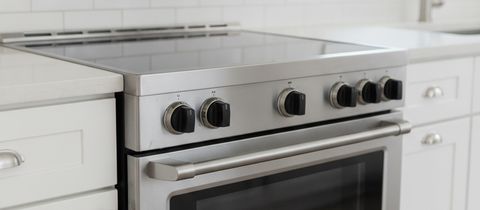
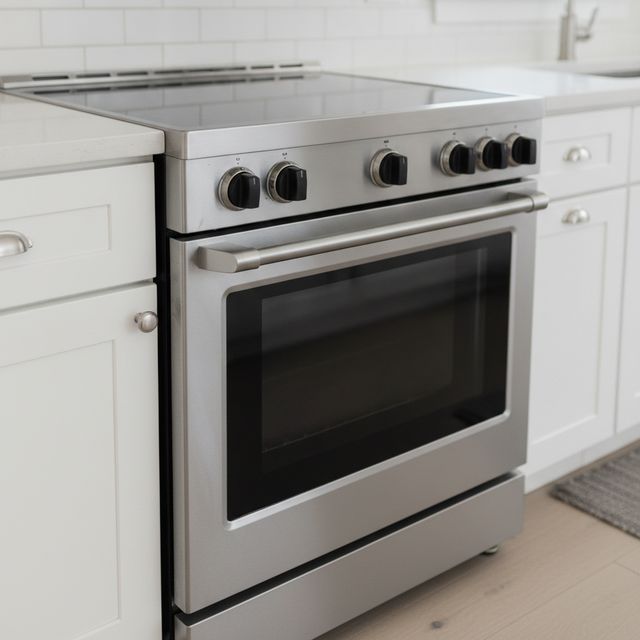
Samsung oven and range repair, from wall ovens to induction cooktops.
 A brand we repair
Beaver Appliance repairs Samsung electric and induction ranges, wall ovens and cooktops across South Florida and Tampa Bay, as an independent company not affiliated with Samsung. Our $69 diagnostic visit is credited to the repair; you see the price in writing before any work.
Call or text and we’ll give you the earliest time we have.
- Diagnostic visit
- $69, credited to the repair
- Price
- In writing, before any work
- Our warranty
- 90 days, parts and labor
- Google rating, South Florida
- 5.0 from 14 reviews
Samsung and more, in customers’ words
Samsung ice maker
“Brandon was relentless until he resolved the issue with my ice maker on my Samsung Refridge/Freezer. …”
★★★★★ Jane G. Aug 2026, Google review Price and service
“Great price and service! I would definitely work with this company again.”
★★★★★ Topher R. Aug 2026, Google review
What is your Samsung oven or range doing?
A code on the screen? See the code table. A gas range? Call or text us before you book.
Stuck at 150°F, not heating

First check: a door left open too long shuts the oven off, and Demo mode stops all heat; then the breaker off for 30 seconds.
Call us if it still won’t heat at all.
One element or zone stays cold

First check: on a radiant top, every element on HI for 30 seconds, as cycling is normal; on induction, a magnetic pan, then boil some water.
Call us if one stays cold while the rest heat.
Cracked glass? Samsung says switch off, unplug and stop using the cooktop until the glass is replaced.
Too hot, too cool or slow to preheat

First check: Samsung’s test, one rack at 350°F, should beep within 20 minutes; under 240 volts, slower preheating needs no service. You can offset the temperature up to 35°F.
Call us if the test runs long or recipes still miss.
The display or controls won’t respond

First check: Self Clean and probe cooking lock the panel, and Hot or Loc isn’t a fault; wipe off grease, then the breaker off for 30 seconds.
Call us if it still won’t respond.
Door locked after Self Clean

First check: it stays locked until the cycle is cancelled and the oven is under 350°F, about an hour. Don’t force it; try the breaker off for 60 seconds.
Call us if it stays locked.
Smoke or a burning smell

First check: open a window, run the vent fan or both, as Samsung advises, then clean the oven.
Call us if it still smokes once completely clean.
Samsung range and oven codes
Photograph the code and the model label first: a reset can clear it.
Samsung says most clear with a reset; some need a step first, and a few mean different things by model.
| Code | What Samsung says it means Check first, then |
|---|---|
| C-d0 d0 | A control key shorted or held down Depends on the model Dry the keys, restart, then cut the power 30 seconds; back again, service. |
| C-F0 C-F2 | Control boards not communicating Restart, cut the power; some induction ranges take a SmartThings update for C-F0. Back again, service. |
| C-21 C-20 C-22 C-23 C-25 to C-30 | Oven or board sensor errors; C-21, the oven abnormally hot Restart, then cut the power 30 seconds; back again, service. |
| C-24 | Oven heating faster than normal Clear the vent behind the cooktop, then open and shut the door a few times, 3 seconds each. |
| C-31 C-A2 | A control board running abnormally hot C-A2: off, check the vent, let it cool, restart. C-31 needs service. |
| F0 F1 F2 C0 C1 C2 A2 | Induction cooktop sensor, board or fan errors Restart, unplug it 30 seconds or more; back again, service. |
| -dE- -dC- | Partition not installed properly Seat it in the third slot from the top; with none fitted, check nothing presses its switch. |
| u underlined | No pan detected, on induction only A pan a magnet sticks to, covering the inner ring, or the zone shuts off within a minute. |
| tESt tE5t d DEMO | Demo mode, so nothing heats Not a fault Your manual shows how to leave it. |
Send us the code and the model label
On a range, look top left with the oven door open, or in the bottom drawer.
Text a photo to (754) 285-8880How a visit to your Samsung range goes
Tell us what it’s doing
Call or text us. The appliance, the symptom and any code are enough to start.
We find the fault
For the $69 diagnostic visit, credited to the repair if you go ahead.
Get the price in writing
Before any work starts. No repair until you say yes.
We fix it
Only the work you approved, at the price you approved.
Get a written warranty
90 days on parts and labor, with the terms spelled out.
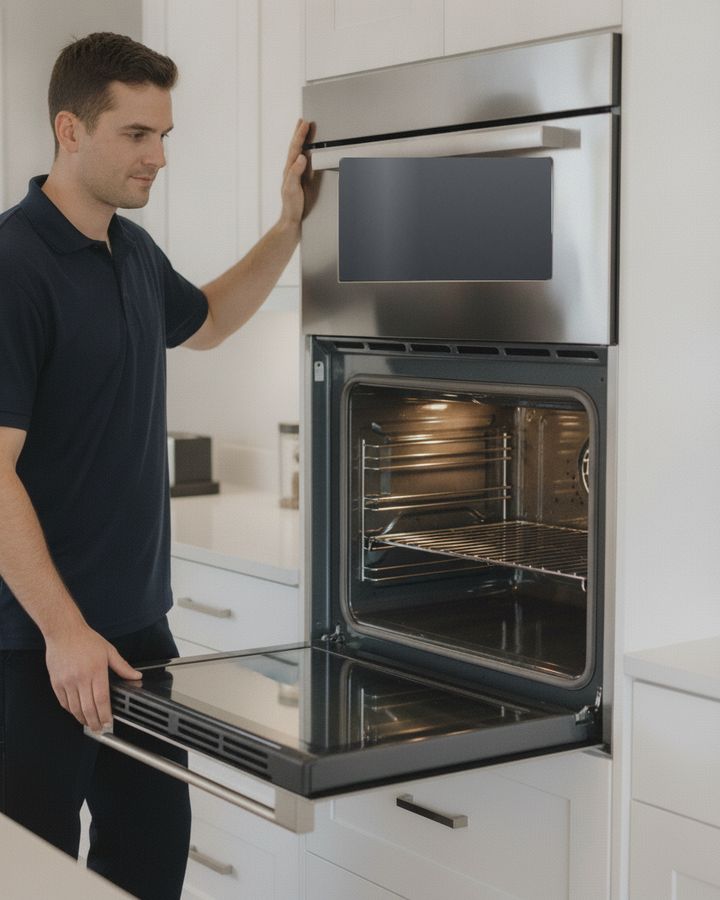
Samsung oven and range questions
Not here? Call (754) 285-8880 Text us the code
What does C-d0 mean on a Samsung oven?
Samsung’s range manuals call it a shorted control key; on a wall oven, a key shorted for a minute, so clean and dry the buttons. An induction cooktop’s d0 is a key held over 8 seconds or a wet keypad. Your model label settles which.
Is there a reset button on a Samsung range?
Samsung’s reset is the Power button, off and then on; if the code returns, the breaker off for 30 seconds. A code that keeps coming back needs service, unless Samsung lists a step for it.
Does Samsung’s warranty still cover my range?
For one year: parts and labor on ranges, wall ovens and cooktops; Samsung’s current range and cooktop manuals count it from delivery. Covered work goes through Samsung, which says damage from third-party repair can get a claim denied; glass harmed by the wrong cleaners or hardened sugary spills is excluded. After that year, you choose the repairer.
Is my Samsung range part of the knob recall?
CPSC’s 2024 notice covers 30 NE58 and NE63 slide-in electric models with front-mounted knobs, sold May 2013 through August 2024: accidental contact by a person or a pet can turn a knob on, a fire hazard. The model and serial numbers decide. Ask Samsung for the free knob locks or covers; until they’re on, CPSC says keep children and pets away from the knobs.
More on Samsung and ovens
Where we work
Beaver Appliance repairs electric Samsung ranges, wall ovens and cooktops across South Florida: Broward County and nearby parts of Miami-Dade and Palm Beach counties. Call or text (754) 285-8880.
- Appliance repair in South Florida
- Pompano Beach
- Fort Lauderdale
- Boca Raton
- Miami
- Deerfield Beach
- Coral Springs
- Coconut Creek
- Lighthouse Point
- Delray Beach
- Parkland
- Margate
- Plantation
Beaver Appliance repairs electric Samsung ranges, wall ovens and cooktops across Tampa Bay: Pasco and Hillsborough counties and nearby parts of Pinellas and Hernando counties. Call or text (813) 513-1699.